Stories, software and sound · independent studio
Sound you can see.
Home of Sparks of Ora’Kai, an epic sci-fantasy series — and of the software built alongside it: Gnosis, a science academy that teaches understanding rather than recall; CLAP audio plugins that reshape sound in the frequency domain; and a shelf of small desktop utilities. All by JM Roque da Silva.
NEW · SPARKS OF ORA’KAIEnter the Sparks HoloPadNew · Windows desktop app
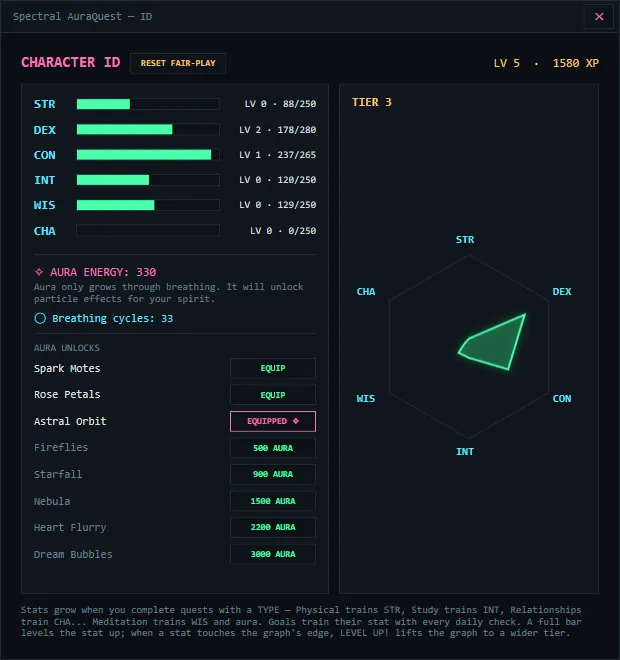
Aura Quest — real tasks become XP.
Aura Quest turns the real work you already want to finish into XP for a glowing spirit that grows with you. Plan a quest, complete it, and watch your character level up — every task type trains a real RPG stat, and calm breathing grows your aura. It’s a productivity app that rewards showing up, gently, on the fast days and the slow ones.
- Real tasks become XP, stats, and a spirit that evolves as you do
- Focus runs, four unlockable themes, and glowing aura effects
- An optional AI companion that runs fully offline — nothing leaves your PC
- Local-first & private · works offline · a tiny download
Free complete 48-hour trial — no account and no licence key. Your quests and progress stay saved when the trial ends.
Free · Windows app and browser
Gnosis — understanding beats memorising.
Gnosis is a science academy that teaches the relationship before the result, so a forgotten fact can be rebuilt from something still understood. Eight courses, from counting to university material — including three that teach Dutch to someone who has just arrived in the Netherlands.
- The Basic Dutch speed course and all of Mathematics are free permanently
- Two further Dutch courses are open free while Gnosis is in preview
- Dutch read aloud in a human voice — the vowels a speech model cannot say
- Runs fully offline: no account, no server, nothing leaves the device
Free permanently — Basic Dutch and Mathematics, in the browser or installed, with no account. Two more Dutch courses are open while Gnosis is in preview.
Also from the workshop
Little apps, built beside the books.
Sparks of Ora’Kai needs tools of its own — somewhere to read a draft, somewhere to keep a thought, somewhere to lay out a feed. They were useful enough to keep, so they are here. Each one activates with the same Spectral Colors account.
- FreeWindows · macOS coming
Sparks Markdown
Markdown, worth reading.
A quiet reader that typesets your Markdown files — headings, tables, quotes, footnotes and code — instead of dumping them on the page. Built for reading the notes a long project produces.
- Syntax colour for around forty languages, and a copy button on every block
- Reloads when the file changes, so it can sit open beside your editor
- No network, no telemetry, and no account inside the app
- €9,99 onceWindows · Apple Silicon in preparation
Sticky Spark
Big ideas. Little notes.
Desktop notes that stay close. Name them, gather them into projects with their own colour, keep one in front, or hide it until a reminder brings it back.
- Original geometry, zodiac, moon and tarot symbols, in your own colour
- SPC Scribe dictation turns a spoken thought straight into a note
- One purchase with a year of updates; keep the version you own after that
- €9,99 onceWindows and macOS
Gridroom Sparks
Your next big idea. One little grid.
A place for your Instagram feed to come together: arrange the grid, edit photos and videos, and build mixed-media carousels before you press publish. Your files stay on your device.
- Move, crop, scale and rotate every image or video
- Reorder the grid and fine-tune each slide of a carousel
- Exports numbered posts with a simple posting guide
Audio plugins
Tools that re-color your sound.
Thirty-two Windows CLAP plugins and counting. Here are ten to start with — one from every corner of the line, and the rest a click away.

SPC Prism Q
CLAP audio effect
The featherweight spectral EQ — dynamics and spectral effects on every point.
SPC Outlaw
CLAP audio effect
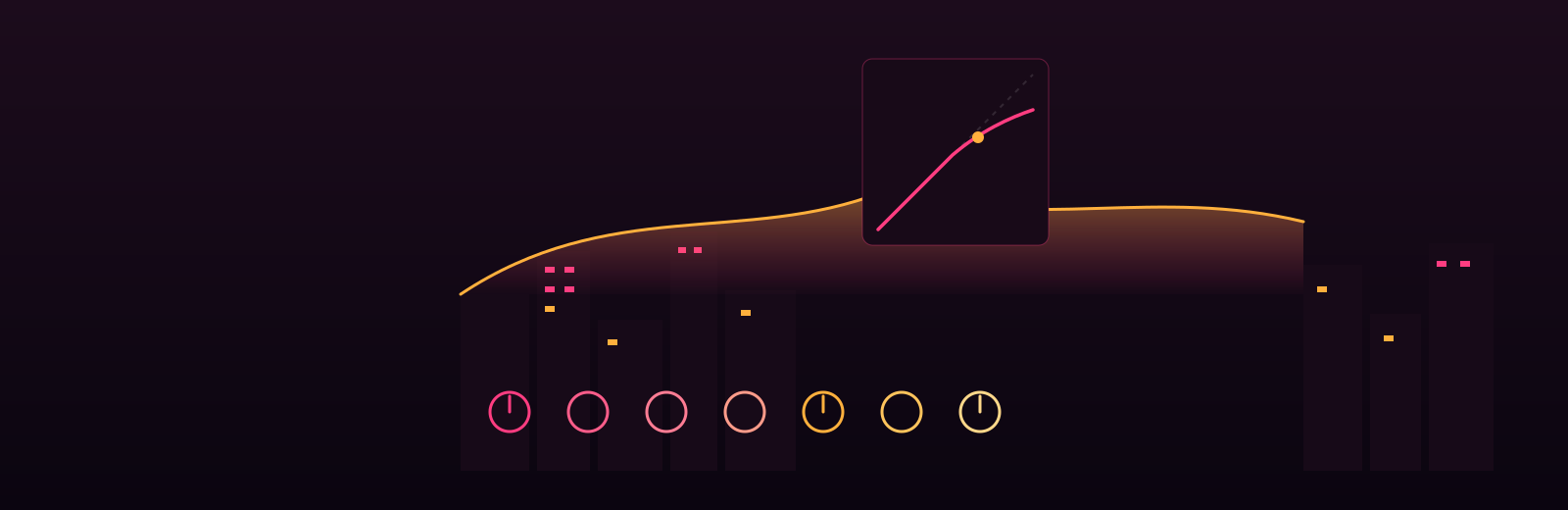
A compressor with a reputation.
SPC Hue
CLAP instrument
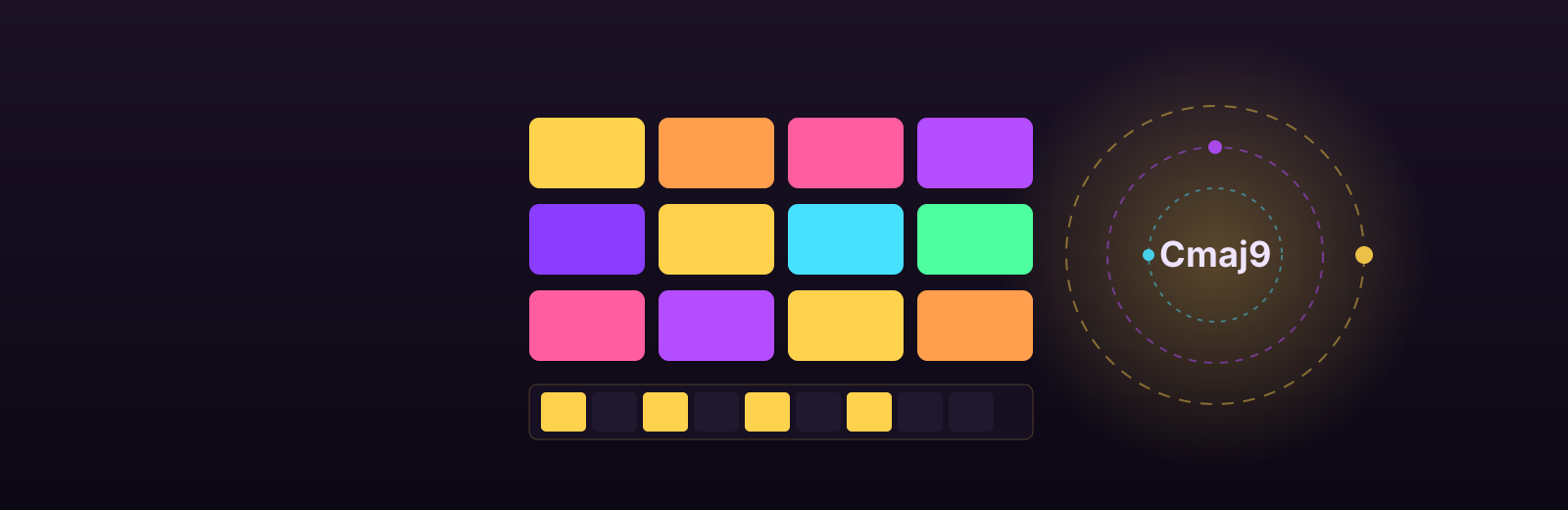
One note becomes any chord in your key.
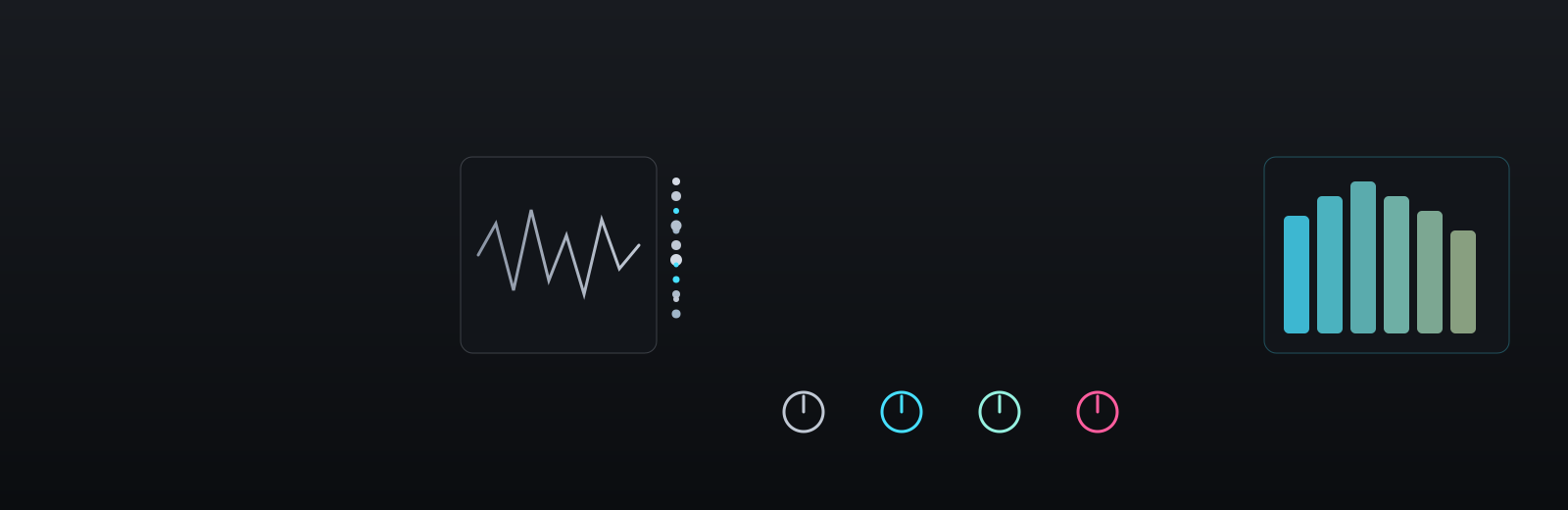
SPC Granular X
CLAP instrument
Three granular engines. One graphite console.
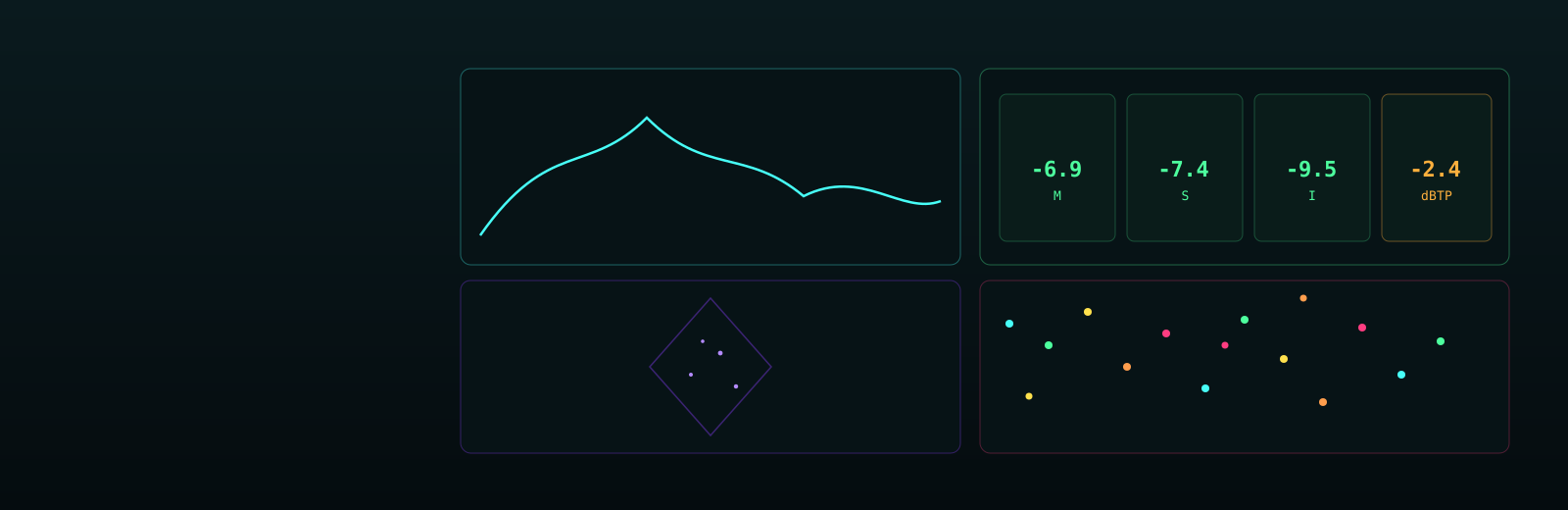
SPC SpectraScope
CLAP analyzer
Sixteen analyzers. Four panels. Zero audio cost.
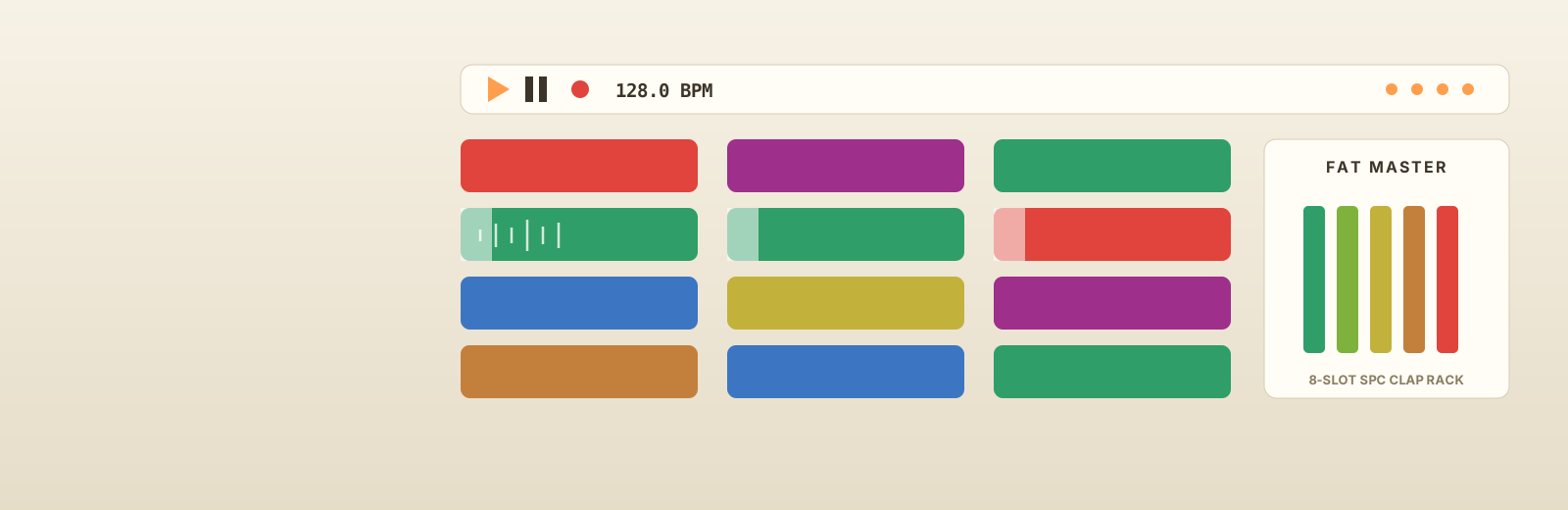
SPC Lumen Grid
Windows application
A hardware clip launcher for your whole studio.

SPC Ember
CLAP audio effect
Saturation with a slow-burning heart.

SPC Dimensions
CLAP audio effect
Not a reverb. A space engine.
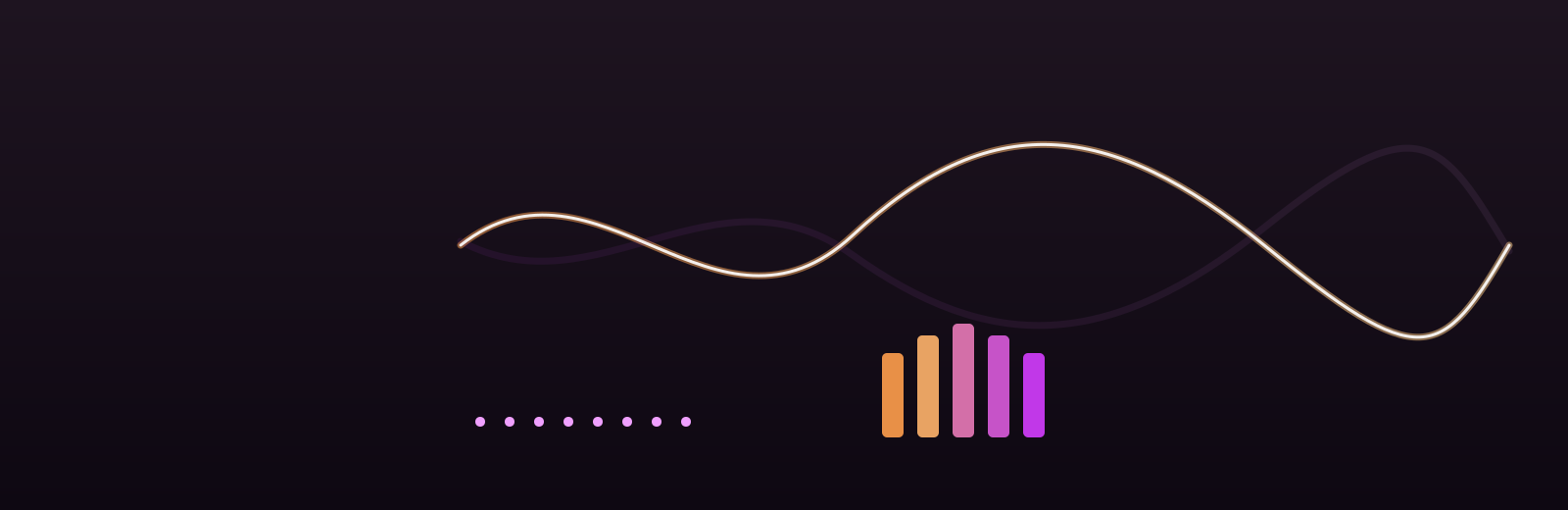
SPC VoxMorph
CLAP audio effect + instrument
Voice character, as an effect AND an instrument.
SPC Potion
CLAP audio effect
Restoration for recordings — and for AI audio.
Spectral Colors first · SPC RogueFX
The audio plugin with a roguelike inside.
Nine spectral effect engines, six LFOs — and a real dungeon crawler running in the same window. Every step, shot, kill and pickup is a modulation source, so playing the game is automating the sound.
MOVE Q W EY SHOOTDOORS LEVEL UP
Under the hood
A living signal chain.
Every Spectral Colors effect reshapes sound in the frequency domain — colour, chaos, and modulation, flowing end to end.
- 1
It starts with your sound
Drop a Spectral Colors CLAP audio plugin onto any track in FL Studio, Bitwig, Reaper or any modern DAW. Drums, vocals, synths, or a whole mix — whatever you feed it becomes the raw material.
- 2
We look inside the frequencies
A fast Fourier transform (FFT) splits your audio into every individual frequency. Working in this frequency domain is exactly what lets a spectral plugin reshape sound in ways a normal EQ or distortion simply can’t.
- 3
Then we add colour
Harmonic colouring and dynamic resonance paint character onto each band — warmth, shimmer, grit. This is the “colour” at the heart of every Spectral Colors effect, tuned per frequency band.
- 4
Rogue modulation brings it alive
Tempo-synced LFOs, granular chaos and playful modulation keep the sound moving. In SpectralRogueFX, a built-in arcade game even drives the modulation as you play — sound design that feels like an instrument.
- 5
Out comes something new
The result is a fresh, expressive sound you won’t get anywhere else — glitch-free and mix-ready. Get the plugins and hear it on your own tracks.
Hear the plugins in action
Astra DaemoniaSparks Official
Made with the plugins of Spectral Colors — a Sparks of Ora’Kai soundtrack, and Jyro's latest track.
Custom soundtracks
Need original music for your game or project?
Hire Jyro Tenshi to produce a unique track, song, or full soundtrack — tailored to your world.